Digital Safety Management on Construction Sites: The 2026 Guide
Transform your construction site safety with digital tools. Checklists, IoT wearables, AI detection, and Passeport de Prévention compliance strategies for modern site managers.
Read →
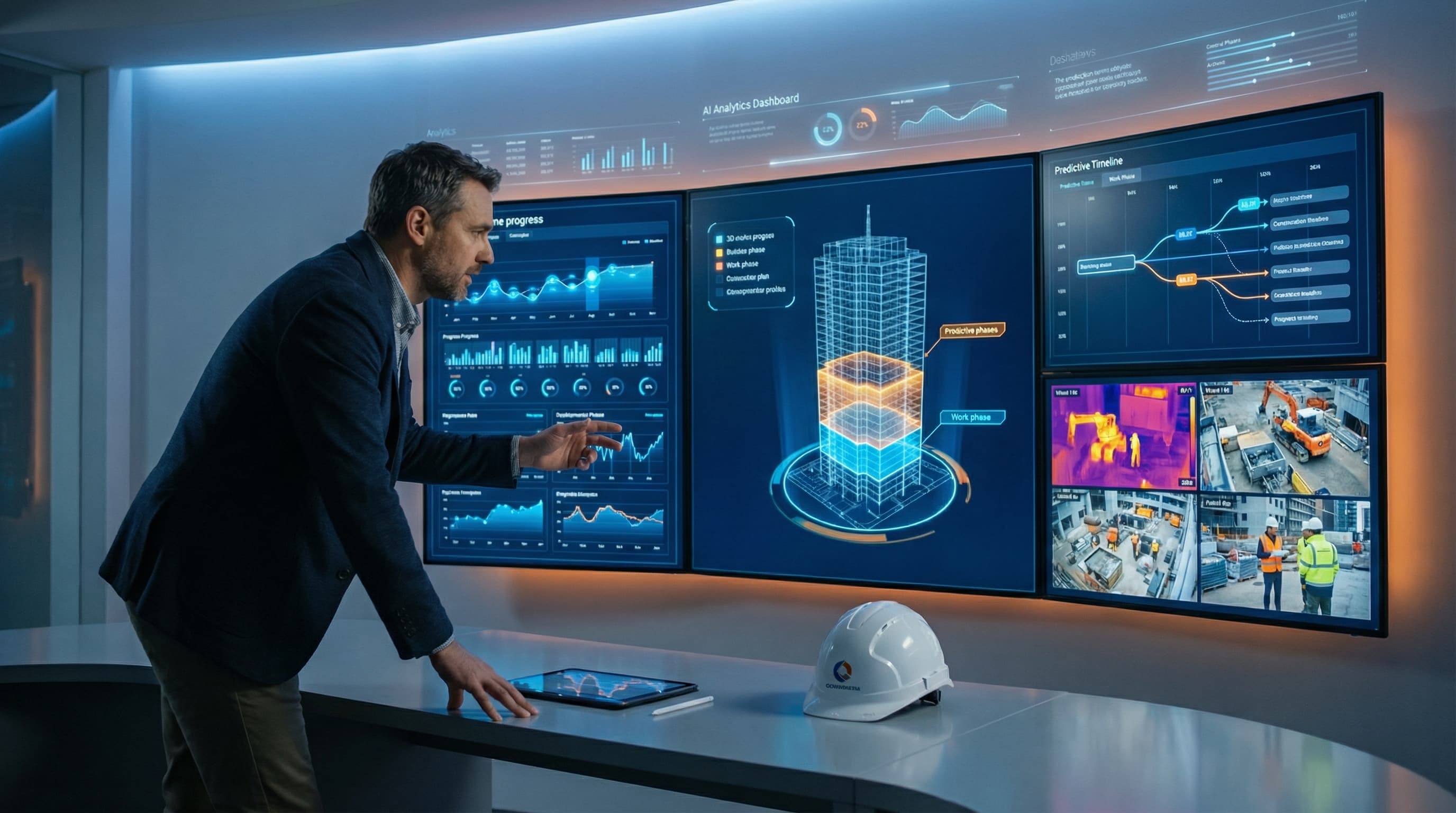
Cut through the hype. Real AI applications transforming construction sites today—voice transcription, technical assistants, predictive analytics, and what's coming next.
AI adoption in construction grew over 300% between 2024 and 2026. But if you're a site manager or project engineer, you're probably wondering: what does that actually mean for my daily work? Not theoretical possibilities—real tools you can use now.
This guide cuts through the hype. Here's what AI actually does for construction professionals today, what works, what doesn't, and what's coming next.
Let's be clear about what AI means in construction context. We're not talking about robots laying bricks or algorithms designing buildings autonomously. We're talking about:
These capabilities translate into practical tools that save time and reduce errors. Here's how.
Perhaps the most immediately useful AI application for site professionals is voice transcription. The technology has reached a quality threshold where it's genuinely reliable.
Traditional meeting documentation:
AI-assisted meeting documentation:
The time savings are significant. Site managers report reducing meeting documentation time by 70% while improving accuracy.
Typing on a phone while walking through a construction site is awkward and dangerous. Voice notes solve this:
"Standing at grid line B-7, second floor. Electrical rough-in complete, ready for inspection. Note: conduit run near window needs support bracket, flagging for electrician."
AI transcribes this into a structured note with location tagging. When you're back at the office, your observations are already documented.
Here's where construction differs from office environments: connectivity on sites is terrible. Many AI transcription tools require internet connection. For construction use, you need:
Tools designed for construction, like BrickNote, address this specifically—recording works even in basement levels with zero signal.
"What's the minimum cover for reinforcement in an exterior wall?"
Before: Search through building codes, find the right section, interpret application to your situation.
After: Ask your AI assistant, get an answer with source reference in seconds.
Construction-specific AI assistants have been trained on:
They can answer questions like:
AI assistants are not replacements for professional judgment. They can't:
Use them as a fast first reference, then verify critical information through official channels.
The next evolution is AI assistants trained on your specific project data:
Ask: "What did we decide about the curtain wall detail at corners?" and get an answer referencing your own project documentation.
This is where AI moves from assistance to proactive intelligence.
AI models analyze:
And predict:
This shifts project management from reactive ("we're behind") to proactive ("we're likely to be behind unless we address X").
Pattern analysis across multiple projects reveals:
A quality manager can then focus inspections on high-risk areas rather than checking everything equally.
AI can model scenarios:
Running these scenarios manually takes hours. AI provides answers in minutes.
Predictive AI only works with good data. If your project tracking is spotty, your predictions will be unreliable. This is the catch-22 of construction AI:
Start with consistent data collection now, even if you're not using AI yet.
Cameras are everywhere on construction sites—for security, time-lapse, and monitoring. AI makes this visual data actually useful.
AI compares site photos against BIM models to:
This reduces the manual progress reporting burden and catches issues earlier.
AI can identify in real-time:
Some systems alert supervisors immediately; others compile reports for safety meetings.
AI can flag potential defects for human review:
It doesn't replace inspectors—it helps them focus on areas that need attention.
You don't need to become an AI expert to benefit from these tools. Here's a practical starting path:
Start here because: Immediate benefit, low learning curve, minimal change to your workflow.
Action:
Start here because: Faster answers to questions you're already asking.
Action:
Start here because: This compounds the benefits of transcription and photos.
Action:
Start here when: You have several months of consistent data.
Action:
Based on current development trajectories, here's what to expect:
AI that understands text, voice, and images together. Ask: "Looking at this photo, what's wrong with this installation per the specification?" and get an intelligent answer.
AI that writes first drafts of:
You review and approve rather than write from scratch.
Site teams with multiple languages get AI translation that understands construction terminology. Say something in English, workers hear it in Spanish, Portuguese, Polish—accurately.
AI that learns your projects, your preferences, your communication style. It knows your project history, your common questions, your decision patterns.
AI that tracks regulatory changes and flags impacts to your projects. A new building code update is published; your AI identifies which current projects are affected and how.
With all this AI capability, what's the role of construction professionals?
AI handles:
Humans handle:
The professionals who thrive will be those who use AI to eliminate administrative burden, freeing them for the high-value work that requires human intelligence.
Not everything marketed as "AI for construction" is useful. Before adopting any tool, ask:
AI should simplify your work, not complicate it. If a tool requires more effort to use than it saves, it's not ready for construction.
The AI transformation in construction is real, but it's practical rather than revolutionary. The tools that matter are the ones that solve actual problems: documenting meetings, answering questions, tracking progress, predicting issues.
Start with the tools that address your biggest time-wasters. Build from there. In five years, you'll wonder how you managed without them.
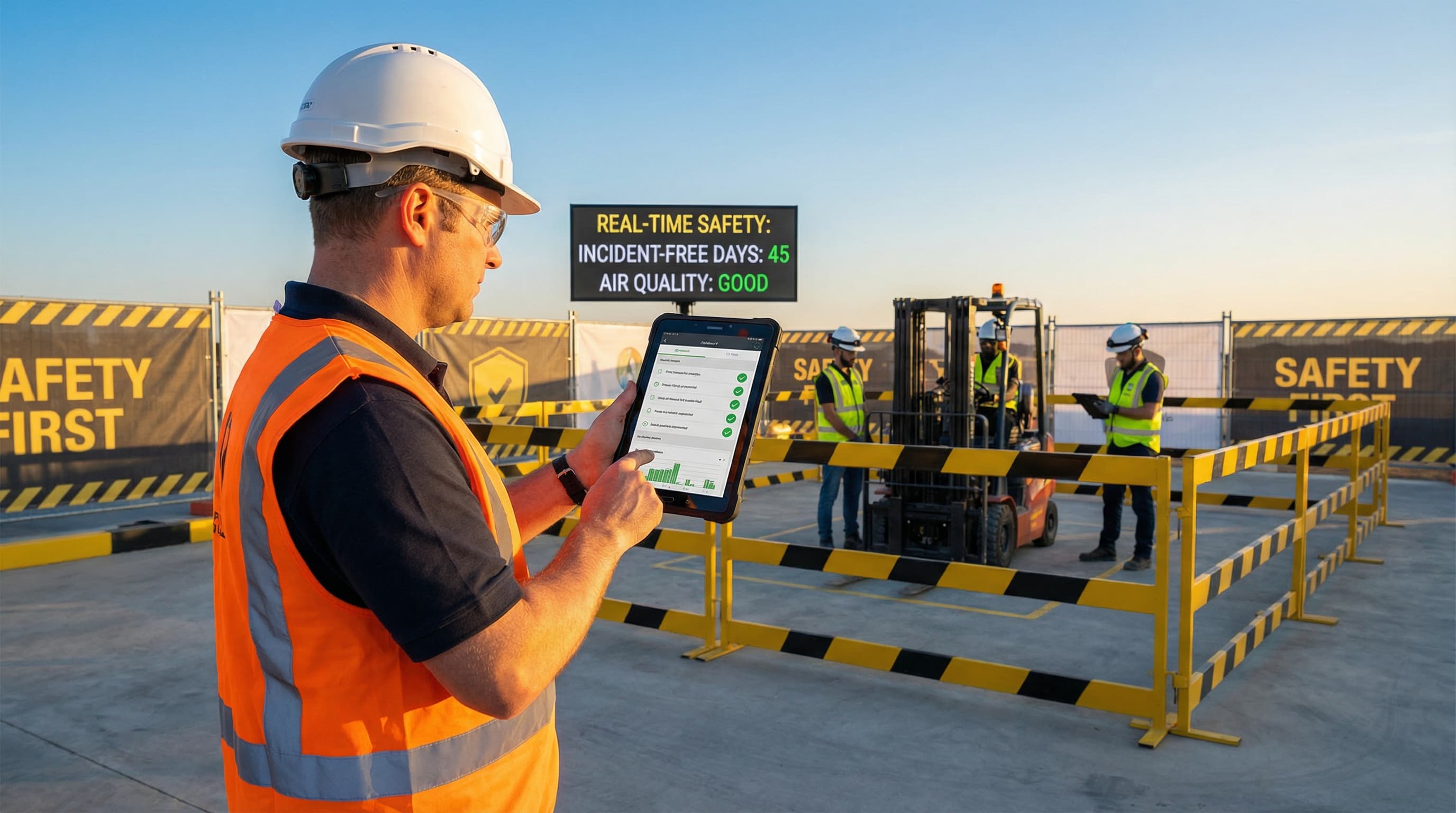
Transform your construction site safety with digital tools. Checklists, IoT wearables, AI detection, and Passeport de Prévention compliance strategies for modern site managers.

Transform your construction site meetings from time-wasters into productivity powerhouses. Data-backed strategies, proven frameworks, and actionable checklists for site managers.