Digital Safety Management on Construction Sites: The 2026 Guide
Transform your construction site safety with digital tools. Checklists, IoT wearables, AI detection, and Passeport de Prévention compliance strategies for modern site managers.
Read →

Transform your construction site meetings from time-wasters into productivity powerhouses. Data-backed strategies, proven frameworks, and actionable checklists for site managers.
Studies show that construction professionals spend up to 40% of meeting time on non-productive activities—rehashing old topics, waiting for latecomers, or searching for documents. On a typical project with weekly meetings over 18 months, that's roughly 150 hours of wasted time per person. At an average site manager rate of €80/hour, you're looking at €12,000 in lost productivity per team member.
The good news? Most of this waste is preventable with the right systems.
Before diving into solutions, let's quantify what poor meetings actually cost your project:
Direct costs:
Indirect costs:
The ripple effect: One poorly documented decision can cascade into weeks of confusion. A site manager we spoke with recalled a €50,000 rework bill that traced back to unclear meeting minutes about a facade specification.
The difference between productive and wasteful meetings is almost always preparation. Follow the 48-hour rule: everything attendees need should be distributed 48 hours before the meeting.
72 hours before:
48 hours before:
24 hours before:
A vague agenda like "Discuss progress" guarantees a meandering meeting. Instead, use this format:
Topic: [Specific item]
Owner: [Who leads this section]
Time: [X minutes]
Objective: [Information / Discussion / Decision]
Pre-read: [Document name, if any]
For example:
Topic: Electrical rough-in delays in Building B
Owner: Marc (Electrical subcontractor)
Time: 15 minutes
Objective: Decision on recovery schedule
Pre-read: Updated electrical schedule v3.2
The most effective site meetings follow a predictable structure. Here's a framework used by high-performing project teams:
Start exactly on time—waiting for latecomers punishes punctual attendees. Begin with a 60-second update from each key trade representative. Use a timer. This isn't discussion time; it's status broadcasting.
Format: "Trade name. On track / Behind / Ahead. One blocker if any."
Example: "Plumbing. On track. Need access to mechanical room Thursday."
Go through the previous meeting's action items. For each one:
Pro tip: Display actions on a screen. The visual accountability drives completion rates up by 40% compared to verbal-only review.
This is where the real work happens. Address agenda items in priority order—critical path items first. If a topic runs over time, the facilitator should ask: "Can we resolve this in 2 more minutes, or do we need a separate session?"
Decision tracking is critical. For every decision, capture:
Coordinate the next 1-2 weeks:
Quick questions that don't warrant full agenda items. If something takes more than 2 minutes, park it for offline discussion.
Modern tools eliminate the administrative burden that makes meetings exhausting.
Recording your meetings isn't about distrust—it's about accuracy. When tools like BrickNote automatically transcribe your site meetings, you get:
The key is choosing tools that work offline—cell coverage on construction sites is notoriously unreliable.
Meeting minutes that sit in email inboxes don't drive accountability. Look for tools that:
"We discussed the staining on the east facade" means nothing without the photo. Tools that let you attach geotagged, timestamped photos directly to meeting minutes create an unambiguous record.
More attendees doesn't mean better decisions. It means more opinions, longer discussions, and harder scheduling. Invite the minimum people needed to make decisions. Others can read the minutes.
Set expectations at the start: laptops for note-taking only, phones on silent. A meeting where half the attendees are checking email isn't a meeting—it's a waste of everyone's time.
Sending minutes without review leads to "I never agreed to that" disputes. Spend 30 seconds at meeting end: "I'll send minutes today. Review and flag any errors by tomorrow noon."
When discussions go off-track, don't just cut them off—capture them. Maintain a "parking lot" for topics that need follow-up but aren't on today's agenda.
Starting 10 minutes late teaches everyone that start times are suggestions. Ending 15 minutes over teaches attendees to buffer their schedules—so they're mentally checked out before you finish.
Week 1: Start using a structured agenda template for all meetings.
Week 2: Implement the 60-minute framework. Be strict on timing.
Week 3: Add audio recording and transcription. Review how it changes your minutes quality.
Week 4: Introduce action tracking with automatic reminders.
Measure your progress: Track meeting duration, action completion rates, and team satisfaction monthly.
Print this and keep it in your site office:
Before:
During:
After:
Your site meetings can become the coordination engine that keeps projects on track—or they can be the weekly ritual everyone dreads. The difference is systems. Start with one change this week, and build from there.
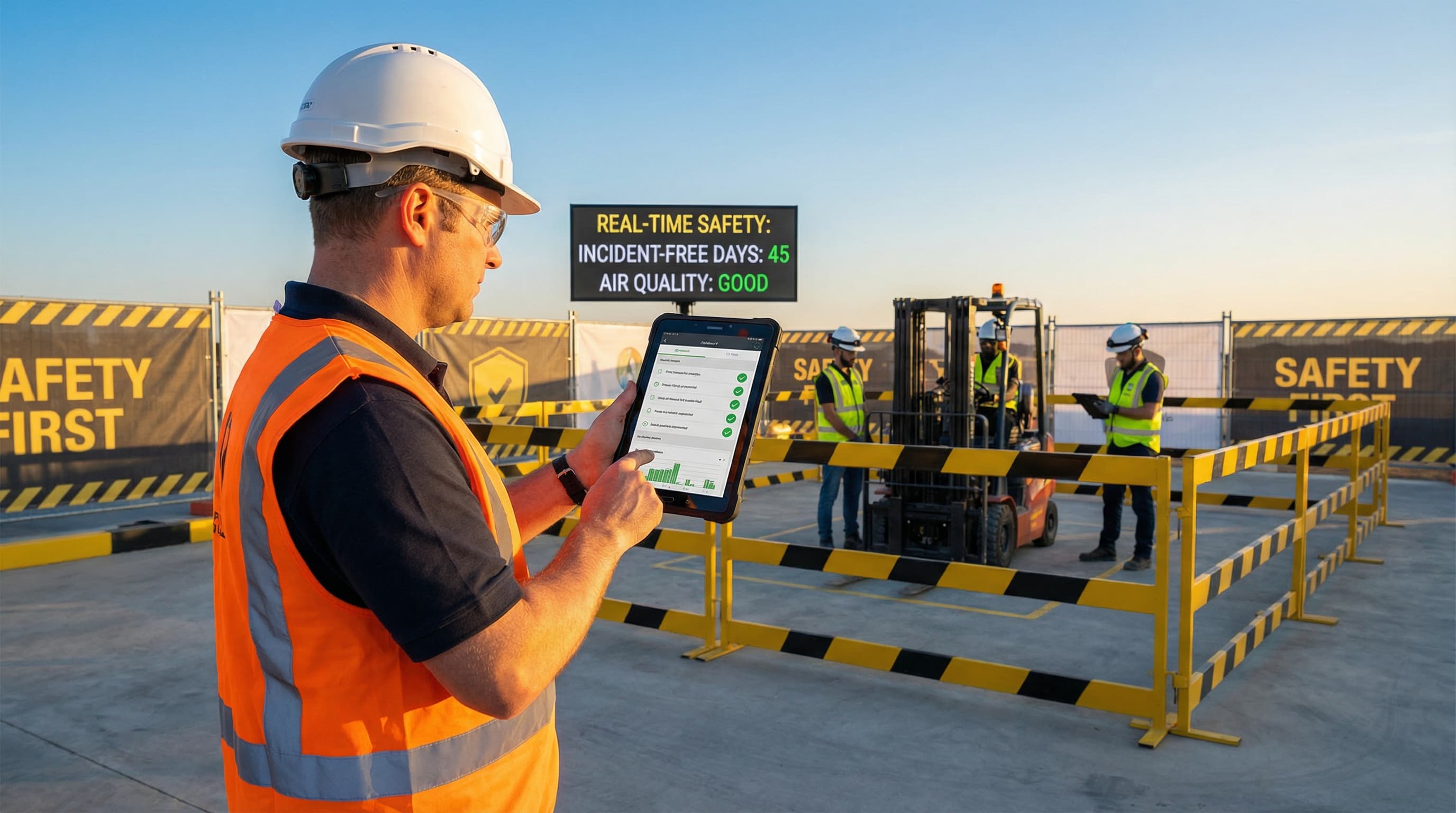
Transform your construction site safety with digital tools. Checklists, IoT wearables, AI detection, and Passeport de Prévention compliance strategies for modern site managers.
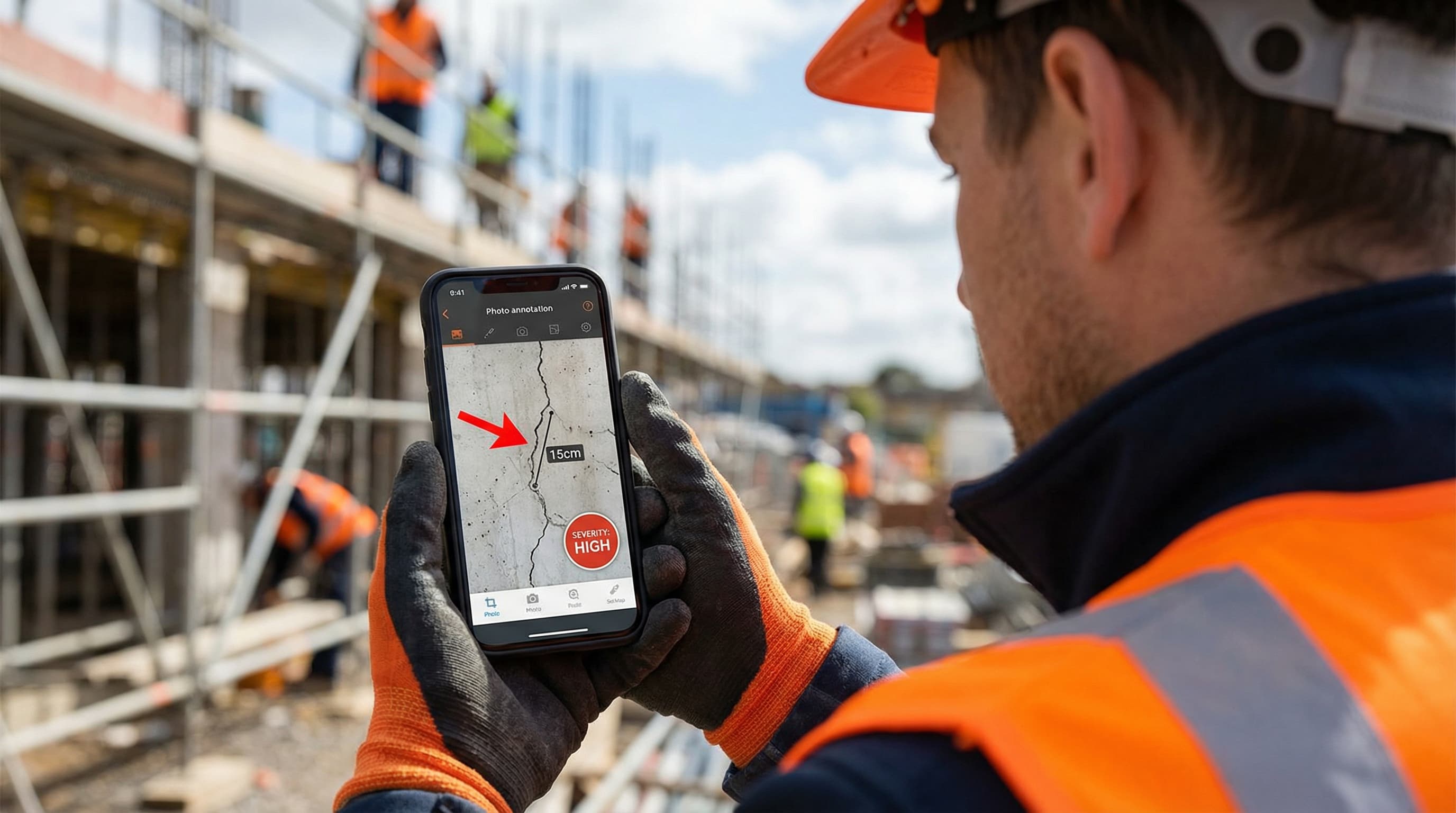
How annotated photos prevent costly mistakes, resolve disputes, and transform construction site documentation. Complete guide with techniques and best practices.