Tutorials
Learn BrickNote, step by step.
Short guides with real screenshots of the app, from the sample project to the files you send.
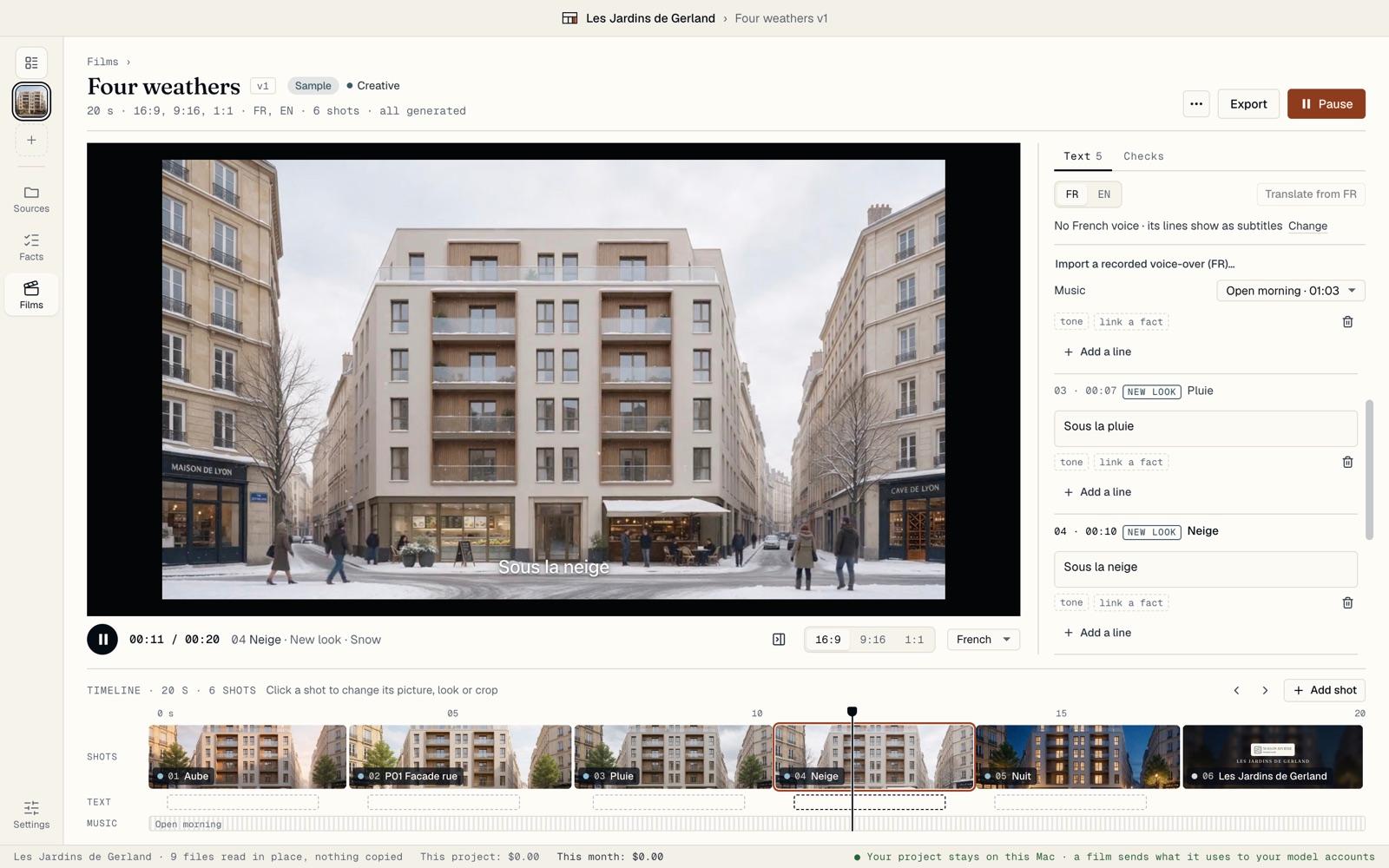 Your first film in three minutesInstall BrickNote, open the sample project and play the film that comes with it. No account and no key needed.Read the guide
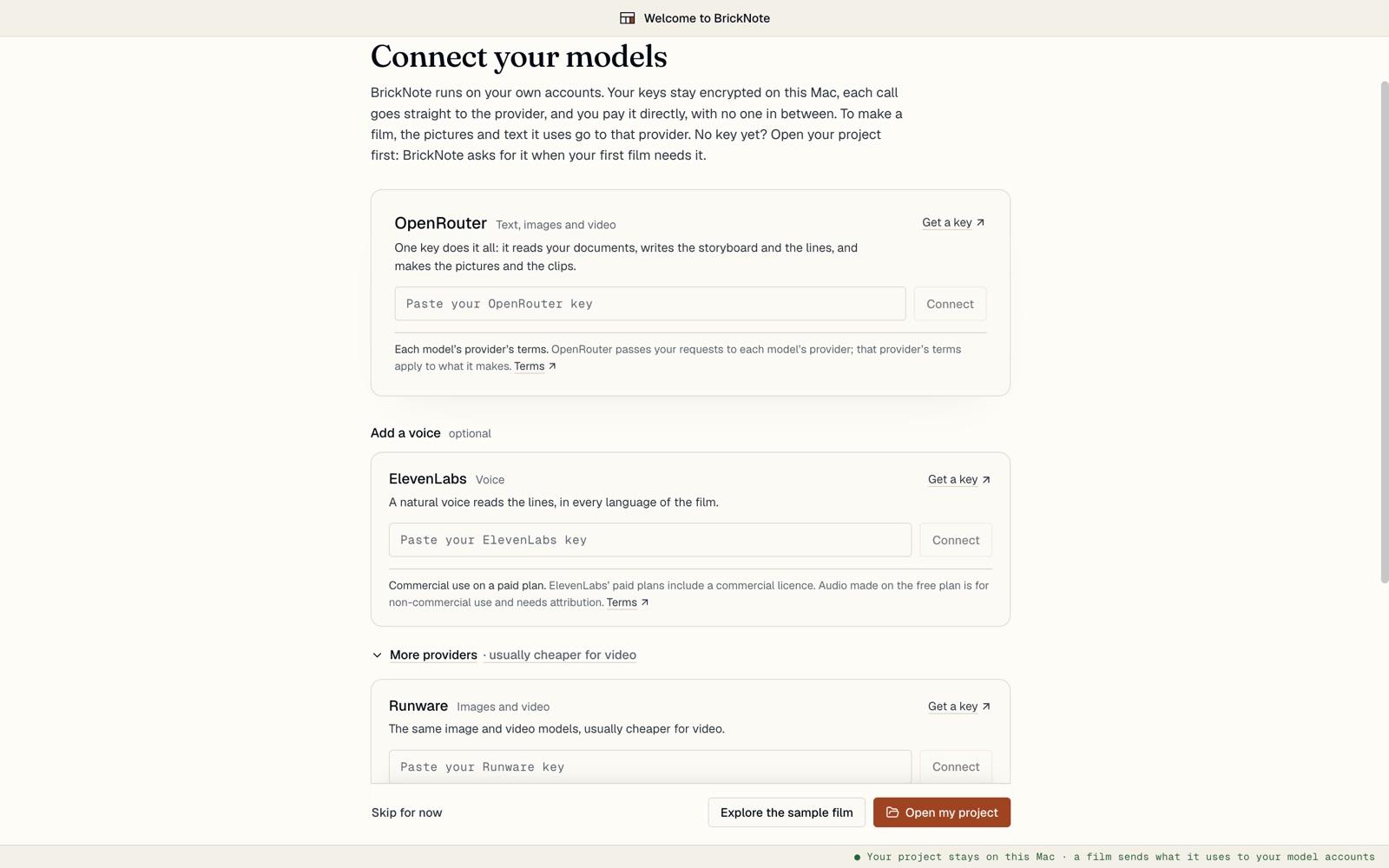 Connect your model accountsBrickNote runs on your own accounts: OpenRouter for text, pictures and clips, ElevenLabs for the voice. Set a spending limit and see every price before you pay.Read the guide
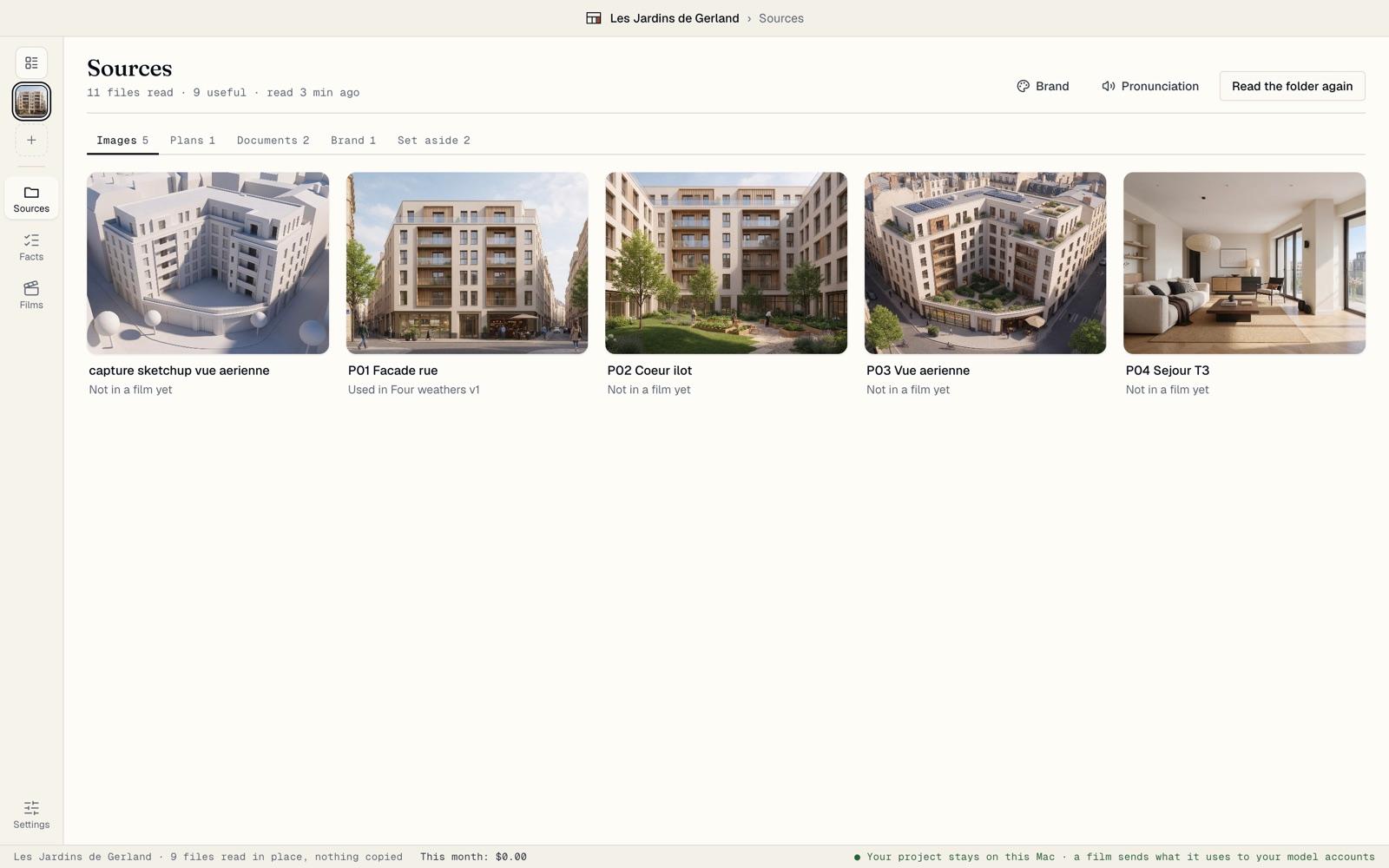 Open your project folderBring the folder you already have: renders, model captures, plans, the brochure. BrickNote reads it in place, reads the facts in its documents, and watches it for changes.Read the guide
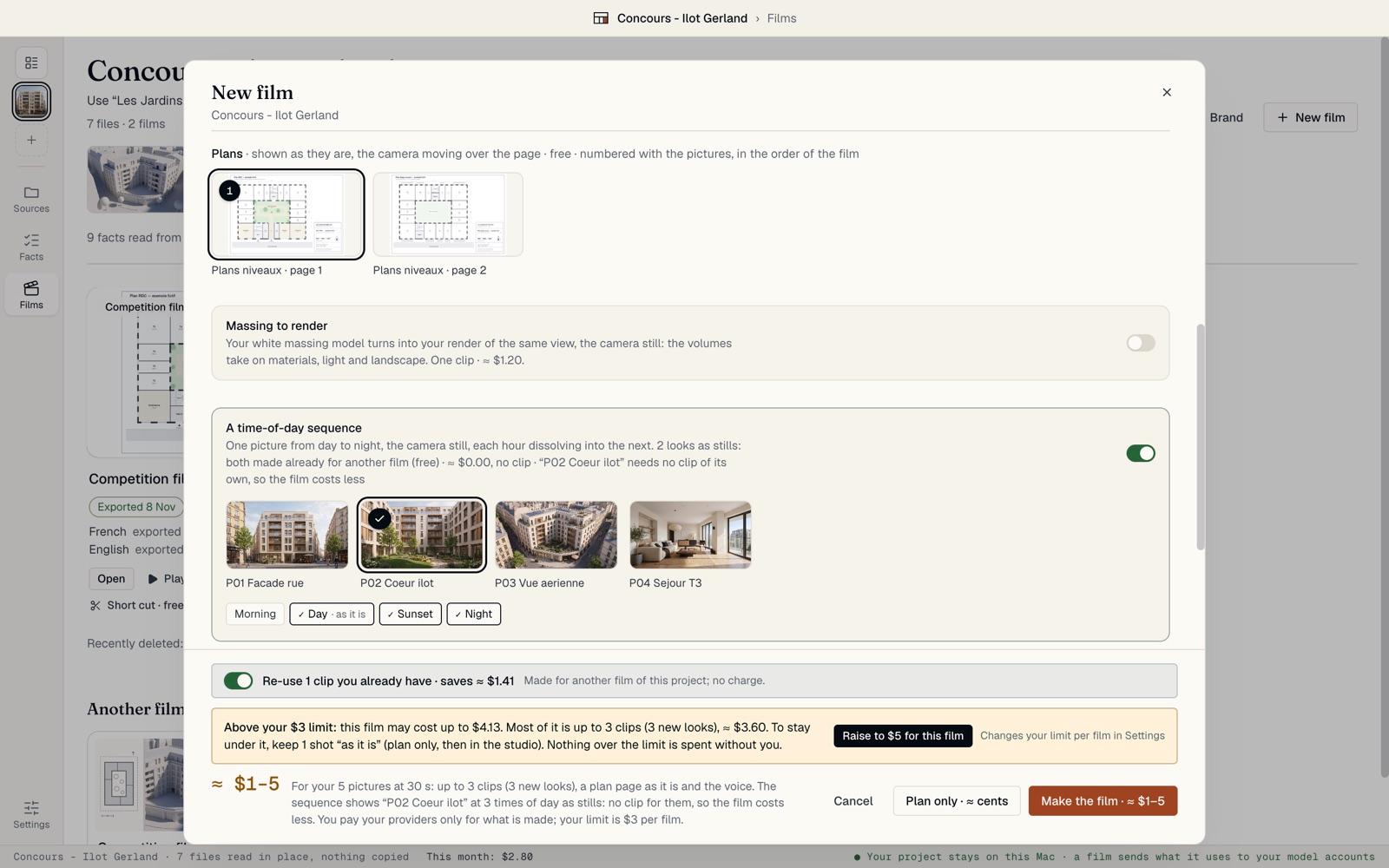 Make a filmPick a recipe, choose the pictures, set the length, formats, languages and voice, choose Creative or Faithful, and read the price before anything is made.Read the guide
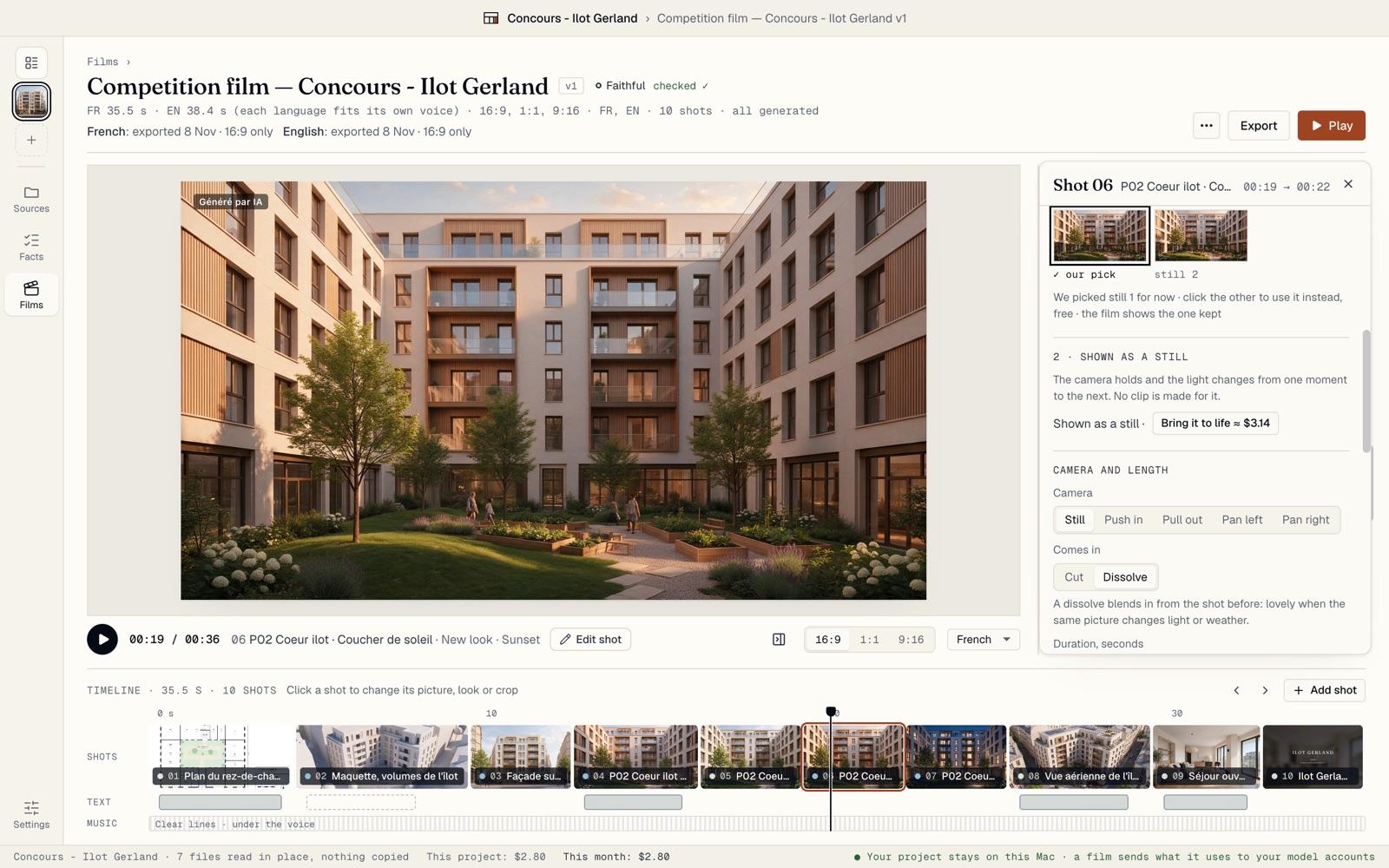 Edit in the studioPlay the film, open a shot to change its picture, look, camera or clip, edit the lines and voices in each language, and undo any edit.Read the guide
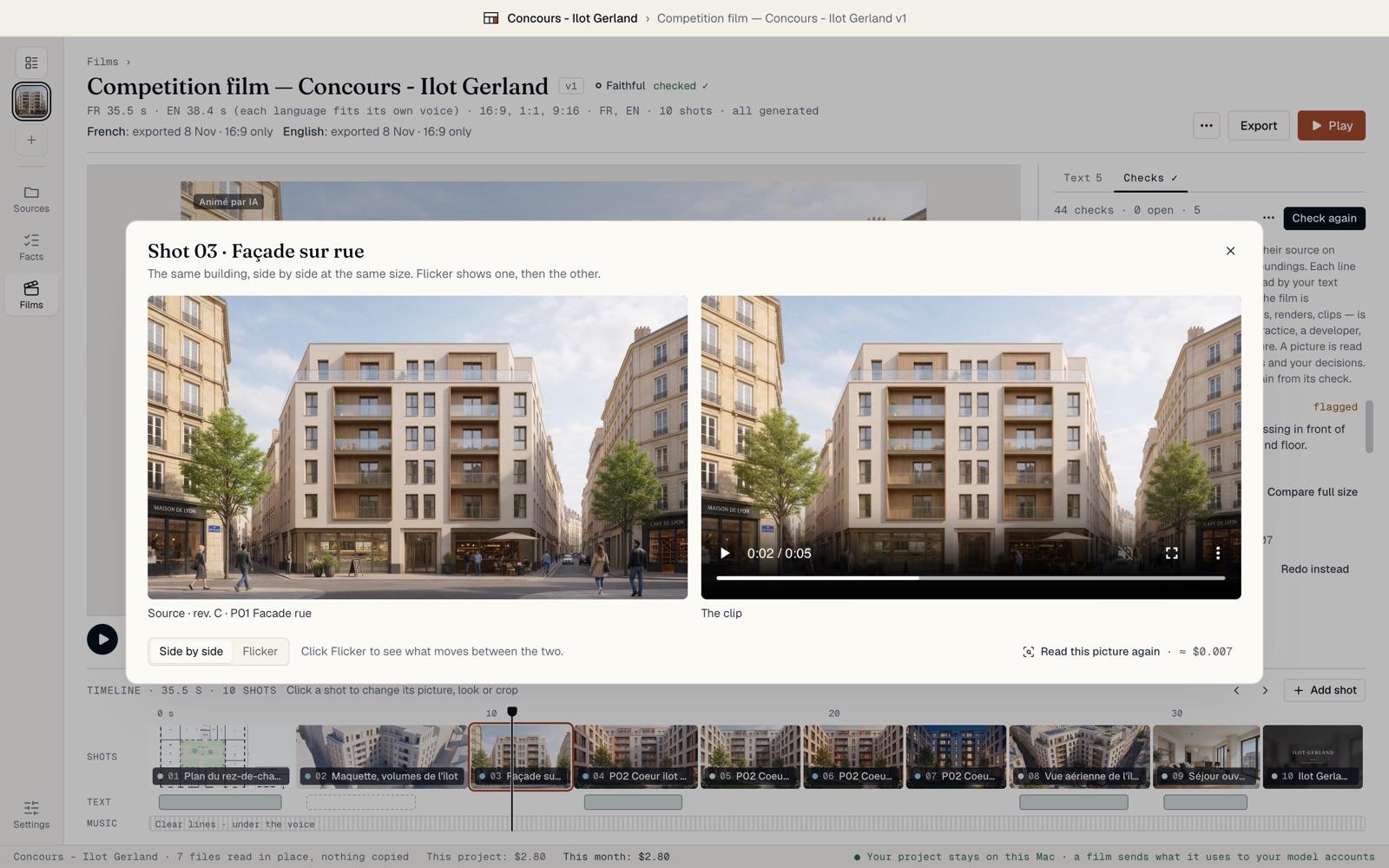 Check a Faithful filmIn a Faithful film, BrickNote compares each generated picture with your source and each line with your documents. It flags; you decide, and each decision is recorded.Read the guide
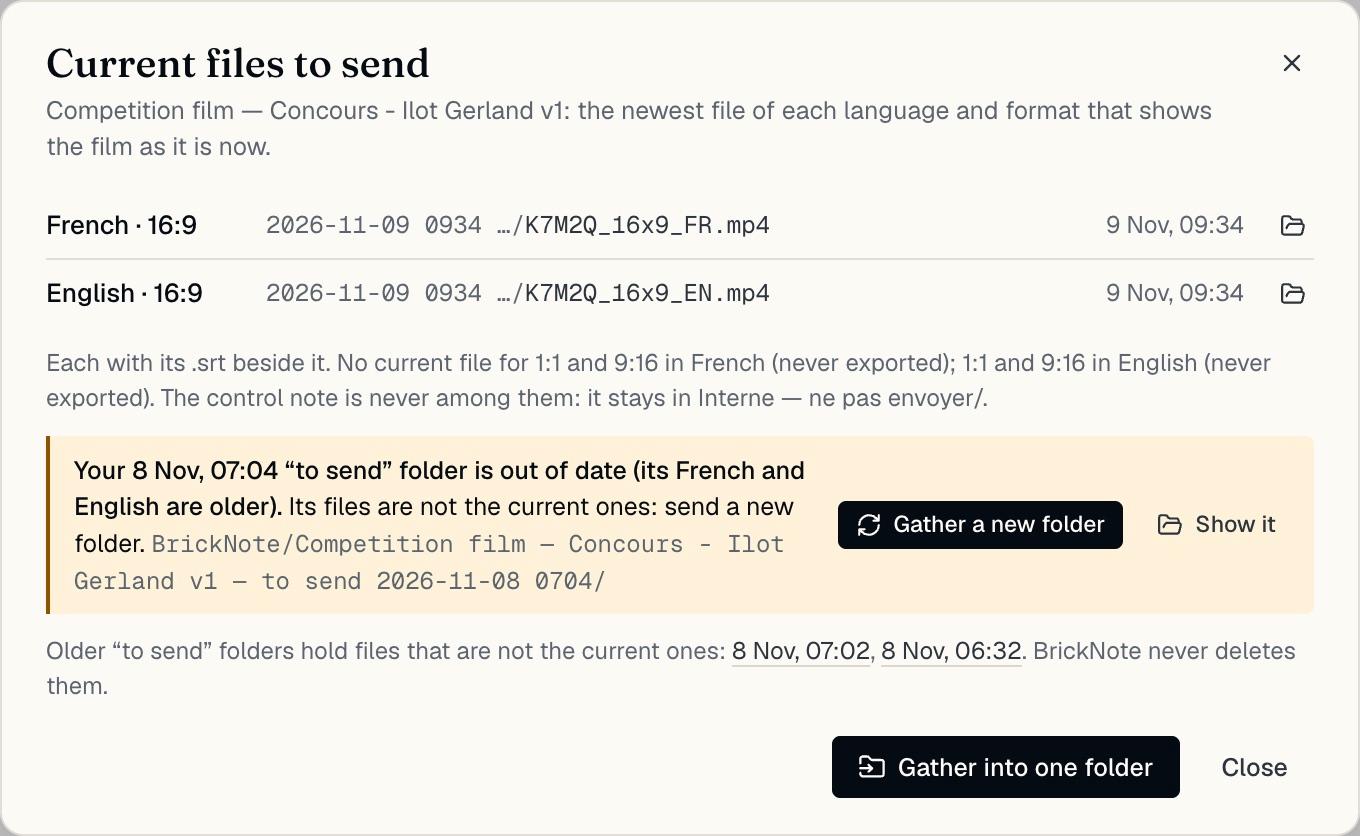 Export and send your filmsRender every format in every language on your Mac, record the approval, and send the right files: BrickNote keeps track of which ones are current.Read the guide
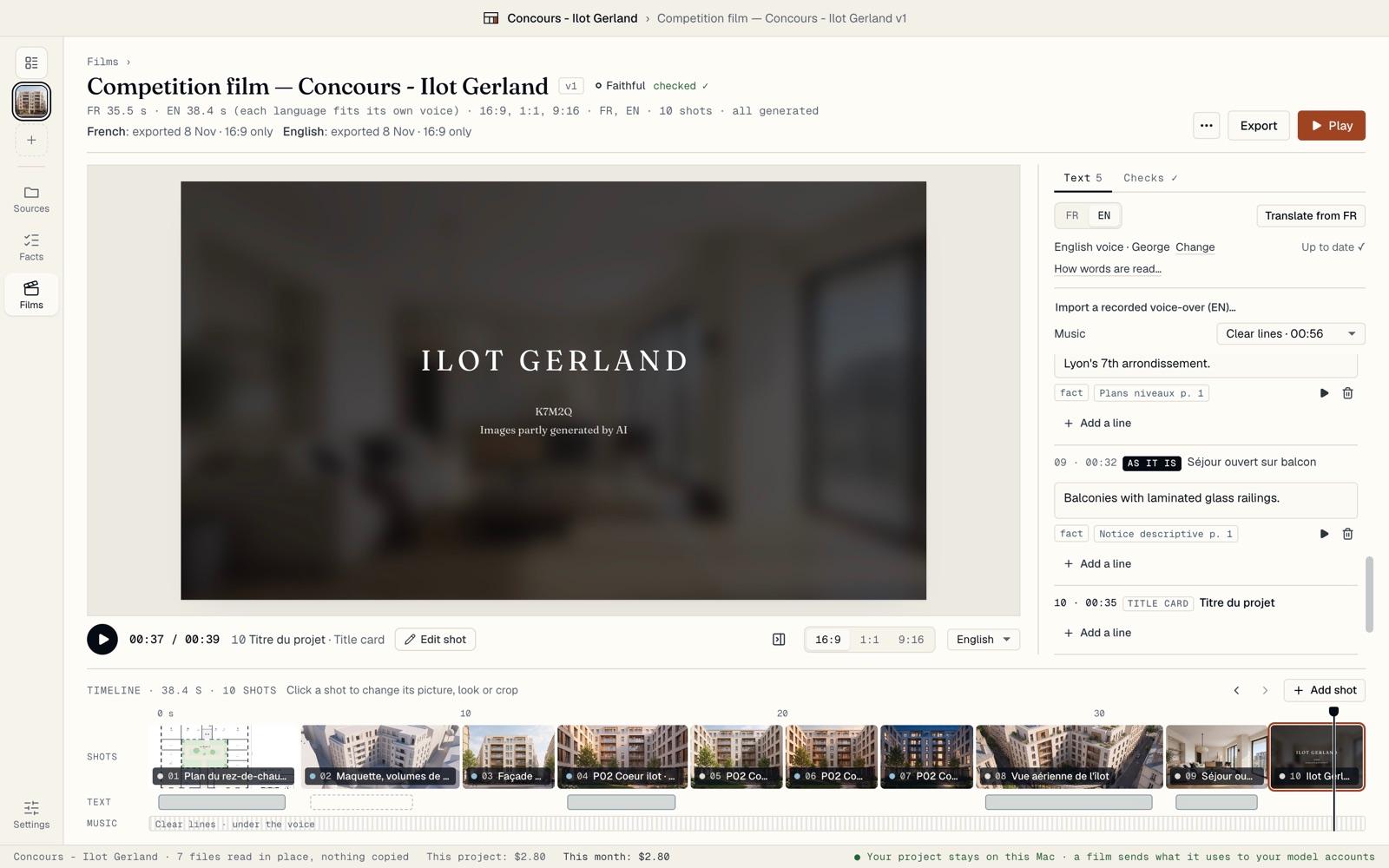 Prepare a competition entryMake an anonymous film for a jury: an end card and files that name no one, a check for names in your pictures, the control note kept apart, and a signed short cut for after the results.Read the guide